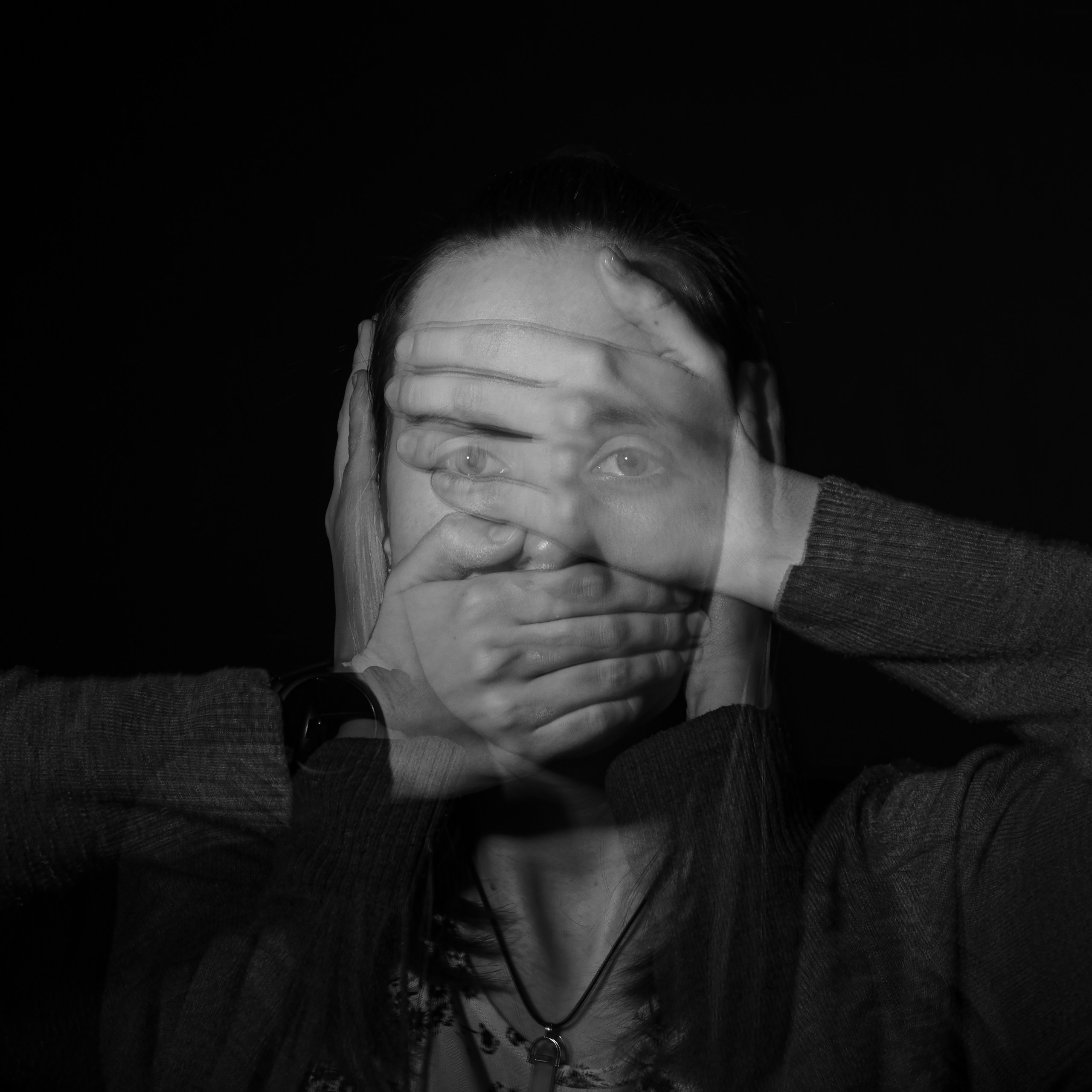

“You wouldn’t hand a stranger your wallet. So why are you handing them your entire digital life?”
Okay sis, let’s talk about something that probably feels boring, technical, and like something your IT uncle would lecture you about over Thanksgiving dinner. But hear me out — cybersecurity is the single most underrated life skill nobody taught you in high school or college, and it is costing young women thousands of dollars and endless stress every single day.
I know. You think it won’t happen to you. You think you’re too young, too broke, too careful. But here is the reality: women ages 16-25 are actually the most targeted demographic for identity theft, phishing scams, and social media hacks. Yeah, that is wild right? Let that sink in.
The truth is, you are out here applying for apartments, opening credit cards for the first time, Venmo-ing your roommates for rent, posting your location on Instagram stories, and using the same password for literally everything because remembering 47 different passwords is actual torture. I get it. But girl, we need to lock this down — and I am going to show you exactly how.
Why Cybersecurity Is Actually a Feminist Issue
Here is something they don’t tell you: cybersecurity breaches disproportionately affect young women. We are more likely to have our photos stolen and used without consent. We are more likely to be targeted by romance scams and fake job offers on LinkedIn. We are more likely to have our location tracked by people we don’t want finding us.
And let’s be real — when your identity gets stolen at 22, it is not just annoying. It messes up your credit score before you even get a chance to build one. It can disqualify you from apartments, make your student loan interest rates higher, and literally cost you thousands of dollars in the long run. That is not a tech problem. That is a life problem.
I remember my sophomore year of college, my roommate got a text that looked like it was from our university’s financial aid office. “Urgent: your student account has been compromised. Click here to verify your information.” She panicked because she was already stressed about tuition. She clicked. And within 24 hours, someone had taken out a $3,000 loan in her name. It took her six months and countless crying sessions to fix it. Six months. While juggling organic chemistry and a part-time job.
💡 Quick Tip
Never, and I mean NEVER, click a link in a text or email that asks for your personal info — even if it looks like it is from your school, your bank, or your job. Always go directly to the official website or app. If it is real, it will be there. If it is fake, you just saved yourself a nightmare.
That is the thing about cybersecurity — it is not about being paranoid. It is about being prepared. And the good news? You do not need to be a tech genius to protect yourself. You just need a few simple habits that take five minutes total.
The Password Situation Needs an Intervention
Let me guess. Your password for everything is either your dog’s name with a “123” at the end, your birthday, or some variation of “password” that you swear is clever because you added an exclamation point. Girl. I love you, but we need to talk.
The average person has over 100 online accounts. And most people use the same 3-5 passwords for all of them. That means if one site gets hacked — and data breaches happen every single day — a hacker now has the keys to your email, your bank account, your Instagram, your student portal, and your Netflix. And yes, they will try all of them.
Here is a stat that will make your stomach drop: 81% of data breaches are caused by weak or stolen passwords. That is not a random number. That is four out of five breaches. And most of them could have been prevented with one simple tool.
81% of data breaches are caused by weak or stolen passwords.
You need a password manager. I know it sounds extra, but hear me out. A password manager generates and stores strong, unique passwords for every single account you have. You only need to remember ONE master password. That is it. Everything else is handled for you. It is like having a bouncer for every door of your digital life, and you just need one VIP pass.
💊 What Works: LastPass Premium (Amazon) – This password manager is beginner-friendly, works across all your devices, and honestly costs less than your monthly bubble tea habit. It autofills passwords, alerts you if a site gets hacked, and generates passwords that look like gibberish to everyone except you.
If you do not want to pay for one, Bitwarden has a free tier that is actually excellent. The point is, you need something. Your brain is not designed to remember 100 unique passwords. Stop expecting it to.
The Social Media Overshare Is a Security Risk
I know you love posting your life. I do too. But listen — every time you post your location in real time, your boarding pass, your new apartment keys, or even your pet’s name, you are handing out puzzle pieces that someone can use to steal your identity or find you in real life.
Security questions are the easiest thing to hack because the answers are usually on your Instagram. What is your mother’s maiden name? You posted about your grandma’s wedding dress. What street did you grow up on? You tagged your childhood home in a throwback post. What is your pet’s name? Your dog has his own Instagram account with 500 followers.
Here is what I want you to do right now. Open your Instagram settings. Go to Privacy. Turn off “Show Activity Status.” Turn your account to private if it is not already. And for the love of everything, stop posting your location in real time. Post the cute cafe photo when you are already home. If you are going on spring break, wait until you are back to post the beach pics. It is not about being secretive. It is about being smart.
And while we are on the topic — those “Which Disney Princess Are You?” quizzes on Facebook? They are often data harvesting tools. Seriously. They collect your answers to common security questions and sell them. I know they are fun, but your cybersecurity is worth more than finding out you are Belle.
| ❌ What Hurts Your Cybersecurity | ✅ What Protects You |
|---|---|
| Posting your location in real time | Wait until you leave to post |
| Using the same password everywhere | Use a password manager for unique passwords |
| Clicking links in random texts or emails | Always go directly to the official website |
| Having public social media accounts | Keep accounts private and review followers |
| Sharing your full birthdate online | Only share month and day, not the year |
The Two-Factor Authentication Lie You Need to Know
You have probably seen that little “turn on two-factor authentication” prompt and ignored it because it felt like an inconvenience. I get it. Nobody wants to wait for a text message code when you are trying to log into your email between classes.
But here is the thing — two-factor authentication, or 2FA, blocks 99.9% of automated cyberattacks. That is not a made-up number. That is from Google’s own security research. It is the single most effective thing you can do to protect your accounts, and it takes two minutes to set up.
However, there is a catch. SMS text message codes are actually the least secure form of 2FA. Hackers can SIM swap you — which is when they trick your phone carrier into transferring your number to their phone. Once they have your number, they get all your text codes. Scary, right?
Instead, use an authenticator app like Google Authenticator or Authy. These apps generate codes on your phone that do not rely on text messages. They are way more secure. And if you want to be extra safe, get a physical security key for your most important accounts — like your email and your bank. It is a little USB device that you plug in or tap to your phone, and without it, nobody can log in as you. Not even if they have your password.
💊 What Works: YubiKey 5 NFC (Amazon) – This is the gold standard for physical security keys. It works with your phone, laptop, and tablet. Once you set it up, nobody can access your accounts without physically having this key in their hands. It is the closest thing to digital armor you can buy.
The Real Truth Nobody Tells You About Cybersecurity
Here is what I wish someone had told me at 19: cybersecurity is not about being scared. It is about being in control. Every time you set up a strong password, enable 2FA, or think twice before clicking a link, you are taking back power over your own digital life.
And honestly? The people who try to make you feel dumb for not knowing this stuff are the ones who have never had to clean up the mess of a hacked bank account at 2 AM while crying into a dorm room pillow. You are not behind. You are just getting started. And now you know better, so you can do better.
“The best time to lock down your cybersecurity was five years ago. The second best time is right now, before something happens.”
One more thing — do not use public Wi-Fi without a VPN. I know you love studying at coffee shops and using the library Wi-Fi in your dorm. But public networks are basically open invitations for hackers to see everything you are doing. A VPN encrypts your internet traffic so nobody can snoop on your passwords, your banking info, or your private messages. It is like having a private tunnel in a crowded room.
💊 What Works: NordVPN (Amazon) – This is one of the most trusted VPNs out there. It works on your phone, laptop, and tablet. You can connect up to six devices at once, which is perfect for sharing with a roommate or splitting with your sister. It costs about the same as two oat milk lattes per month.
Start Here: Your 10-Minute Cybersecurity Audit
You do not need to do everything at once. But here is exactly what I want you to do today. Set a timer for ten minutes. Grab your phone and your laptop. And do these five things:
Your 10-Minute Cybersecurity Audit:
✅ Change your email password to something strong and unique. Your email is the master key to everything else. If someone gets into your email, they can reset every other password you have. Use a password manager to generate and store it.
✅ Turn on two-factor authentication on your email, your bank, and your social media. Use an authenticator app, not text messages. This alone blocks 99.9% of automated attacks.
✅ Check your social media privacy settings. Make your accounts private. Turn off location tagging. Remove any apps or third-party logins you do not use anymore. Those old quizzes and games can still access your data.
✅ Download a password manager and start using it. Change your most important passwords first — email, banking, student portal, and social media. Let the manager generate passwords that look like “jF8!kL2#mN4@pQ6” so you never have to remember them.
✅ Freeze your credit with all three credit bureaus — Equifax, Experian, and TransUnion. It is free, takes 15 minutes total, and prevents anyone from opening accounts in your name. You can unfreeze it temporarily when you actually need to apply for credit. This is the single best thing you can do to prevent identity theft.
That is it. Ten minutes. Five steps. And you have just dramatically improved your cybersecurity and protected yourself from the most common attacks that target young women every single day.
You might also love this article on journaling for self-discovery — because protecting your digital life is important, but protecting your mental health is just as crucial. And this morning routine guide is one of our most shared resources for women who want to start their day without burnout.
This is the kind of stuff women talk about inside TechMae every single day. No judgment, just real ones keeping it real. We talk about money, safety, relationships, career, and all the things nobody taught us in school. And we do it without the shame or the “you should have known this already” energy.
Because here is the truth — you are not alone. You are not behind. You are just now learning the things that should have been taught in high school but were not. And that is not your fault. But now that you know, you get to protect yourself. And that is power.
This Is Your Sign to Stop Doing It Alone
Women inside TechMae have been exactly where you are. Come find your people — the ones who will tell you the truth, cheer you on, and help you figure it all out without judgment.
Your digital life is yours. Protect it like it matters — because it does. And so do you.