“You don’t need a fancy office. You need a setup that doesn’t make your body hurt and your brain check out by 2pm.”
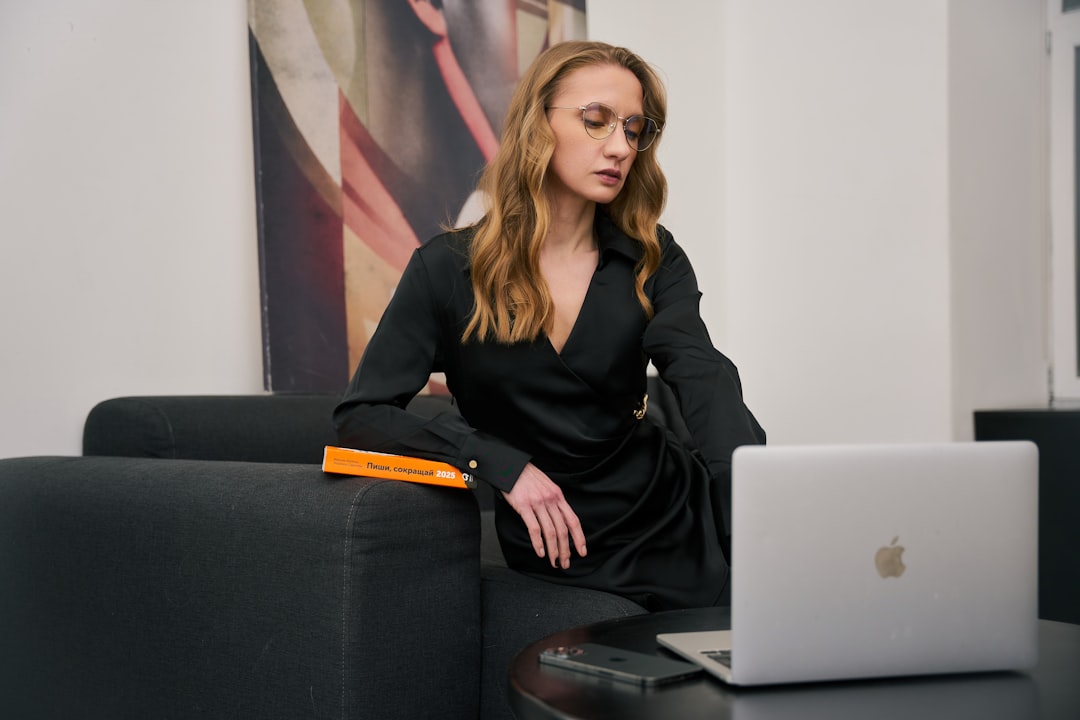
Listen, your keyboard is the one piece of your work-from-home setup you touch more than your phone. And if you’re still typing on that mushy laptop keyboard with your wrists bent at a weird angle, we need to talk.
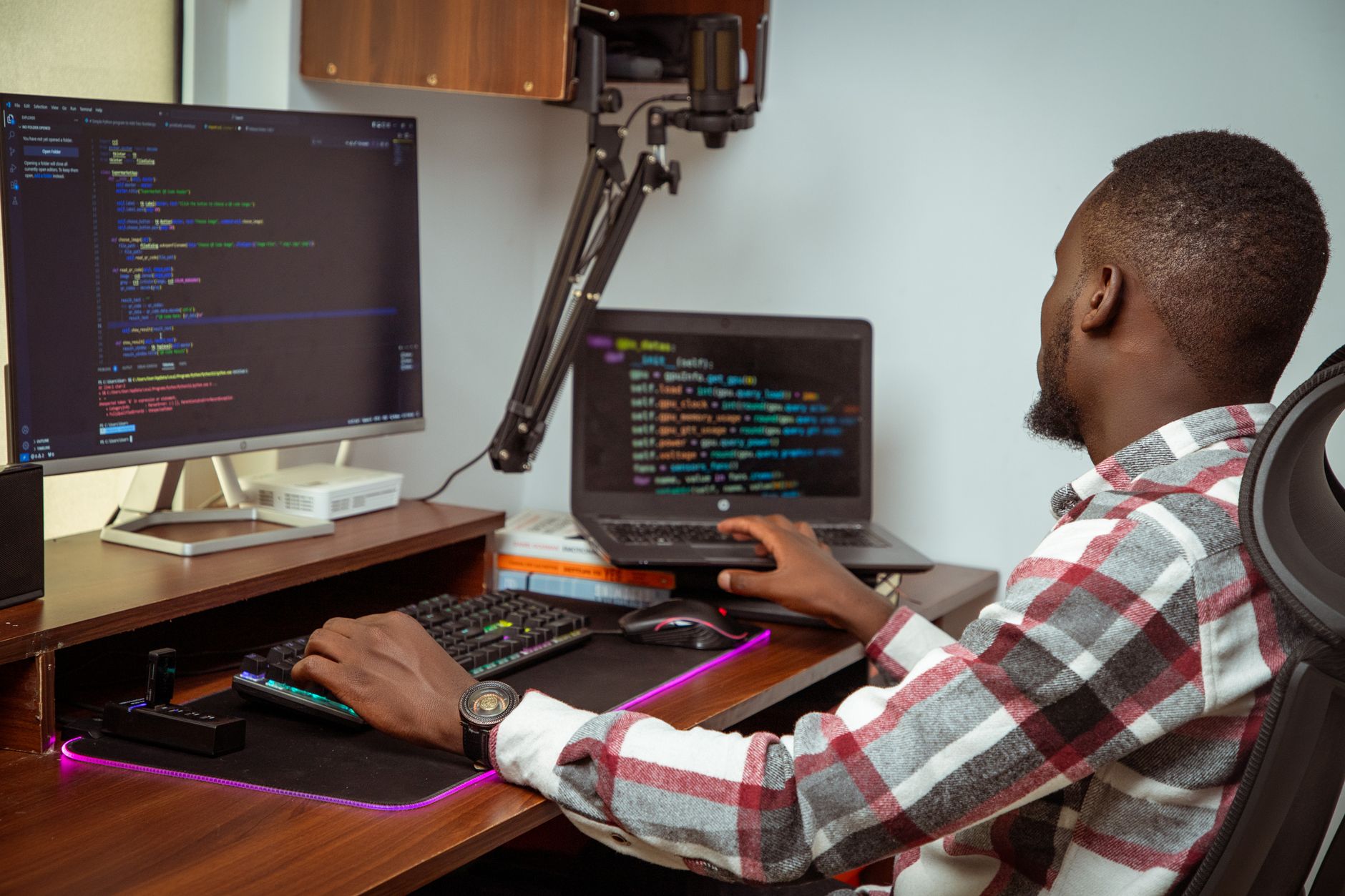
I put together a full desk setup for under $200 — and I’m going to walk you through every single piece so you can stop working like you’re on a borrowed laptop at a coffee shop and start working like the professional you actually are.
No, this is not about “aesthetic” TikTok desks that cost a thousand dollars. This is about the stuff that actually makes you more comfortable, more productive, and less likely to end your day with a knot in your shoulder and a headache behind your eyes.
Why Your Keyboard Is the First Thing You Should Upgrade
Here’s what nobody tells you when you start working from home: your laptop was designed for portability, not for eight hours of daily use. The keyboard is cramped. The screen sits too low. Your wrists hover at an angle that your body was not built to hold for hours.
And the result? Wrist pain. Neck tension. That nagging ache between your shoulder blades that you keep ignoring because you’re too busy to deal with it.
The fix starts with a separate keyboard. It lets you raise your laptop screen to eye level (hello, saving your neck) while keeping your hands in a neutral, comfortable position. It’s the single most impactful upgrade you can make — and you can do it for under $40.
💡 Quick Tip
Before you buy anything, stack some books under your laptop to raise the screen to eye level and see how much better your neck feels. That’s your sign you need a keyboard upgrade — not a whole new computer.
The $200 WFH Setup, Broken Down
I’m going to give you the exact breakdown. Every item, every price, every reason it made the list. No fluff, no filler.
| Item | Price |
|---|---|
| ✅ Wireless keyboard + mouse combo | $35–$45 |
| ✅ Laptop stand (adjustable) | $25–$30 |
| ✅ LED desk lamp with USB port | $20–$25 |
| ✅ Monitor riser or second screen | $0–$60 |
| ✅ Desk organizer + cable clips | $12–$15 |
| ✅ Ergonomic seat cushion or lumbar pillow | $20–$25 |
That’s a full setup that covers your body, your focus, and your space — and it lands right around $180–$200 depending on what you already have at home.
💊 What Works: Logitech MK270 Wireless Keyboard and Mouse Combo – It’s $30, the battery lasts over a year, and it just works. No pairing drama, no charging cables, no weird latency. This is the keyboard that professionals who work from home actually keep on their desks.
What Actually Works (and What’s a Waste of Money)
I’ve tried a lot of setups over the years. Some of it was worth it. Some of it was a waste of a paycheck. Here’s the honest breakdown.
Spend your money on the keyboard. Not the fancy desk. Not the $80 monitor stand. The keyboard and mouse are what your body touches all day. A $35 wireless combo from a brand that’s been making peripherals for decades will outperform a $150 “designer” keyboard that looks good on Instagram but feels like typing on a calculator.
Skip the standing desk for now. I know they’re everywhere. But if you’re working with a $200 budget, a standing desk eats all of it. Start with a laptop stand and a good keyboard, and if you want to stand up during the day, put your laptop on a counter or a stack of books for 20 minutes. You’ll get 80% of the benefit for free.
Don’t sleep on lighting. If your desk is in a dark corner or you’re working with overhead fluorescent light that makes you feel like you’re in a hospital, a $25 LED desk lamp with adjustable warmth will change how you feel by 3pm. Warm light in the morning, cooler light in the afternoon. Your eyes will thank you.
$35 for a keyboard that saves your wrists is the best ROI you’ll get all year.
The Truth Nobody Tells You About Working From Home
Here’s the thing nobody says out loud: your WFH setup is not about productivity hacks or looking professional on Zoom. It’s about protecting your body from the slow, quiet damage of sitting in a bad position for hours every day.
The wrist pain you feel at 4pm? That’s not normal. The neck stiffness that shows up every Tuesday? That’s your body asking for a different setup. And the reason you’re exhausted by the end of the day even though you didn’t “do anything physical”? Part of that is your body working overtime to compensate for a desk that’s fighting against you.
A good keyboard and a laptop stand fix 70% of that. Not because they’re magic — because they put your body in a neutral position where it can actually relax while you work.
“Your body is not a productivity tool. It’s the thing that has to live with the consequences of how you work.”
And listen — I get it. When you’re building a career, running a business, or just trying to get through a Tuesday without losing your mind, the last thing you want to think about is whether your wrists are at a 90-degree angle. But the women who last in this work-from-home life are the ones who treat their setup like a tool, not an afterthought.
How to Set It All Up (Without Losing Your Mind)
You don’t need a whole afternoon. You can set this up in 20 minutes. Here’s the exact order:
Your 20-Minute Setup:
✅ Step 1: Put your laptop on a stand (or a stack of books) so the top of the screen is at eye level when you sit up straight.
✅ Step 2: Place your new keyboard directly in front of you, flat or with a slight negative tilt (back edge higher than front). Your wrists should be straight, not bent up or down.
✅ Step 3: Put your mouse right next to the keyboard. No reaching. If you have to stretch to get to it, you’ll feel it by the end of the week.
✅ Step 4: Position your lamp so the light hits your keyboard and documents, not your screen. This reduces eye strain dramatically.
✅ Step 5: Clip your cables to the back of the desk. A $10 pack of cable clips makes your space feel 10x more organized and keeps your keyboard from sliding around.
That’s it. Five steps, twenty minutes, and a setup that will carry you through the next year of working from home.
One More Thing About the Keyboard
If you’re going to spend money on one thing, make it the keyboard. Not because it’s the most expensive item — because it’s the one you’ll use every single minute of your workday. A good keyboard feels responsive. It doesn’t make you type harder than you need to. It doesn’t make your fingers tired by noon.
And here’s the thing: if you’re a woman who types all day — emails, reports, client messages, content, code, whatever — your hands are your livelihood. Protecting them isn’t a luxury. It’s maintenance.
💊 What Works: Logitech K380 Multi-Device Bluetooth Keyboard – If you want something smaller and more portable, this one is $40 and connects to three devices at once. It’s the keyboard I recommend for women who work from a desk some days and a coffee shop on others.
This Is the Kind of Stuff Women Talk About Inside TechMae Every Single Day
No judgment, just real ones keeping it real. Women sharing what actually works when they’re building careers, businesses, and lives that don’t fit the old playbook.
Related: This post is a must-read for women on their journey.
Start Here
You don’t have to do all of this today. But you can do one thing right now: order the keyboard. Just the keyboard. Get it on the way, and you’ll feel the difference the first day you use it.
Here’s your checklist for this week:
Why This Works:
✅ A separate keyboard puts your hands in a neutral position and takes the strain off your wrists.
✅ Raising your laptop screen to eye level saves your neck and shoulders from hours of tension.
✅ Better lighting reduces eye strain and makes the whole space feel less like a cave and more like a place you want to sit for eight hours.
You might also love this article — one of our most shared.
This Is Your Sign to Stop Doing It Alone
Women inside TechMae have been exactly where you are. Come find your people.